Welcome dear designer,
What if you could save 10 hours a week?
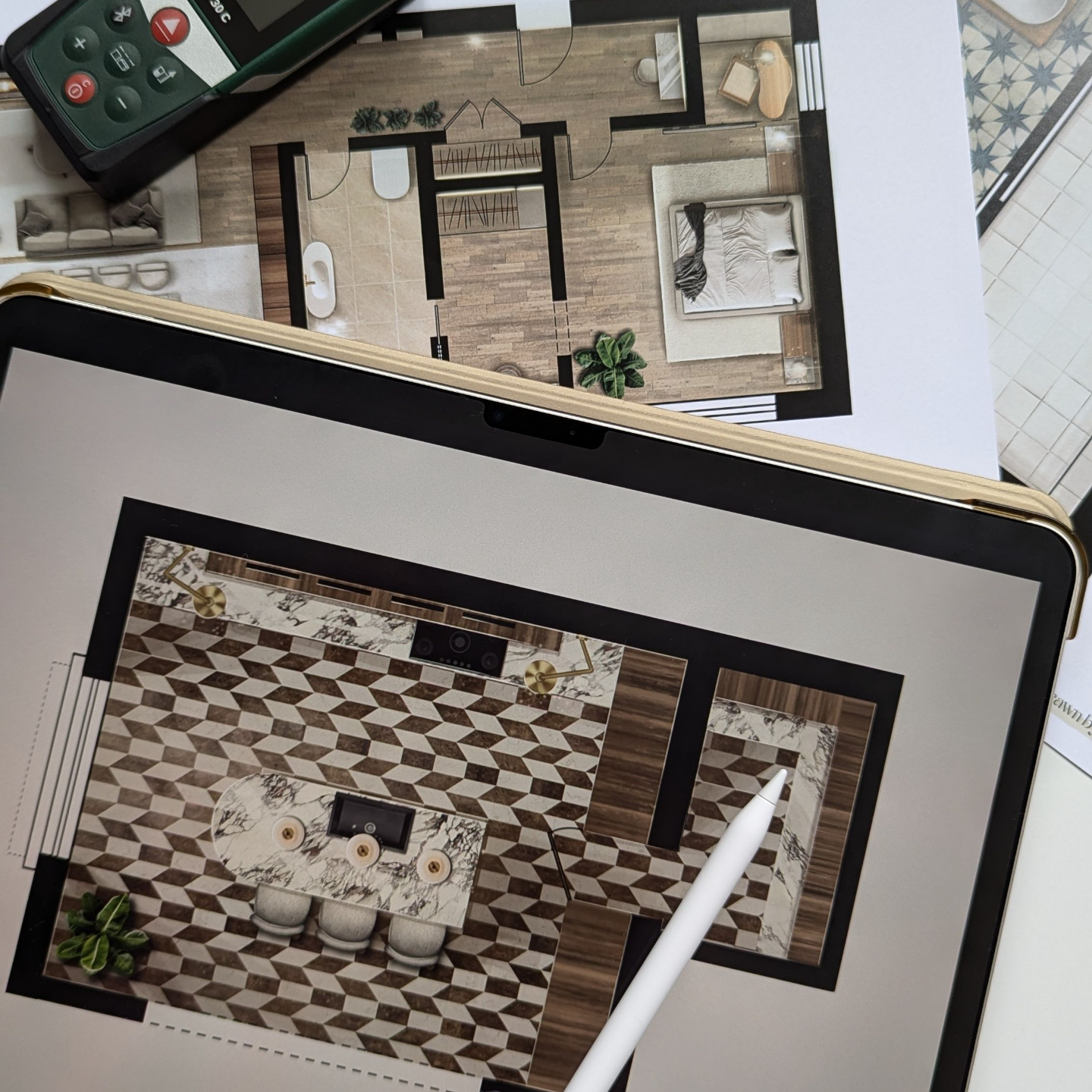
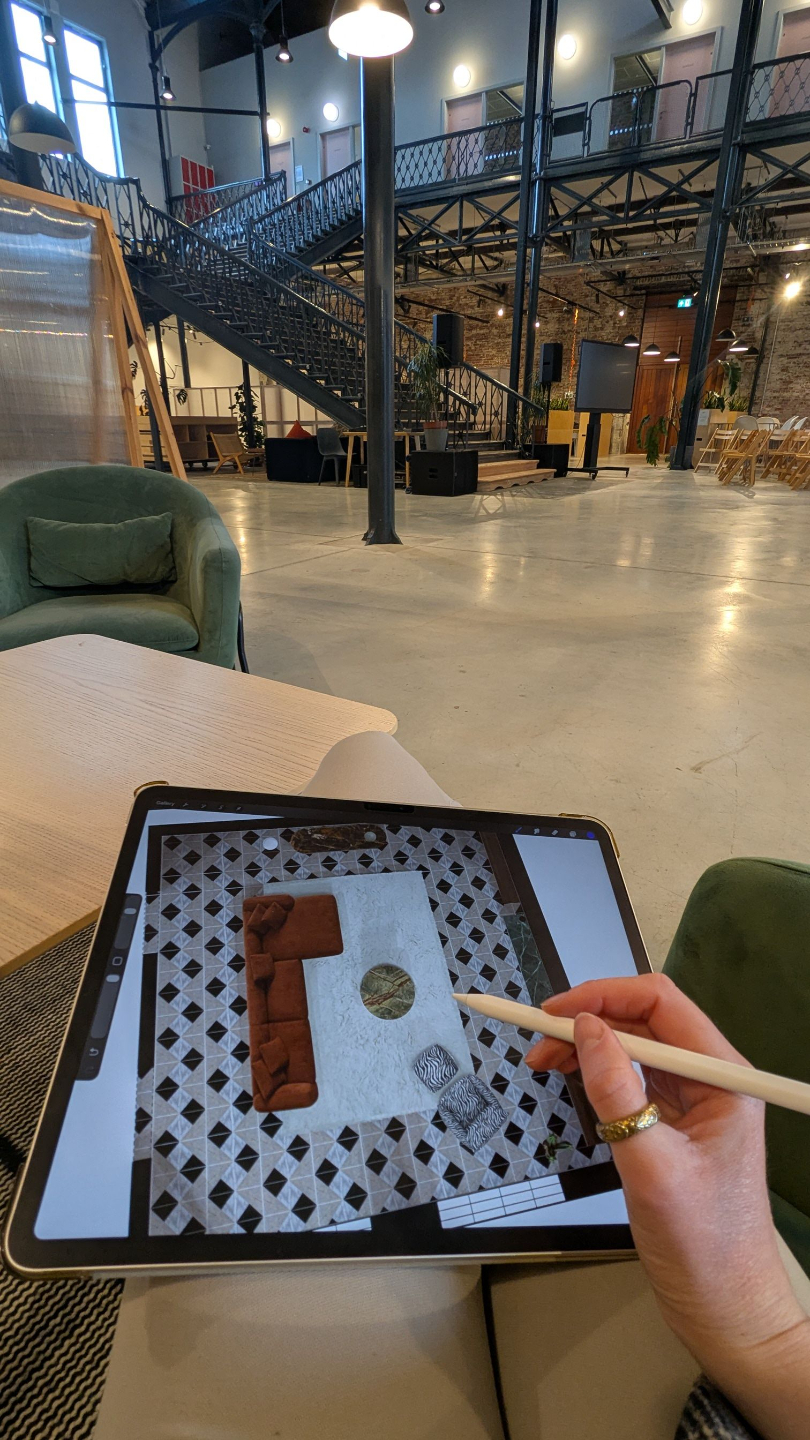
Design, create, and present full interior projects using just your iPad and one app (without 3D modelling, rendering, or spending thousands on expensive software)
START DESIGNING DIFFERENTLY
For years, you have been told by design society how design “should” be done.
➝ “You need to use this program for this.”
➝ “Use that software for this, but do it this way.”
➝ “Oh, and don’t forget another program for this step.”
Bla, bla, bla… you know exactly what I am talking about.
And now you’re tired and overwhelmed, but it is not because you’re not talented.
Just think about it…
... how many hours do you spend each week modelling furniture?
What about adding the correct textures and materials to reflect the real object you are using in your project?
And tweaking the lighting so the visualisations look perfect?
And waiting for renders to load…
Switching between 3… sometimes even 4 different programs just to complete one simple project.
And somehow, the part you actually love and should be doing the most of, the creative thinking, the vision, the storytelling, the experimenting... gets pushed to the very end.
Your back hurts after another late night at your desk. It is the fifth night in a row you are going to bed at 2am.
You cancel plans because “just one small change” turned into 3 hours, as that little change was more complicated to do than you thought.
You scroll through 3D warehouses hoping to find something close enough to the product you found online… and still end up building things from scratch.
You feel overwhelmed every time you take on a new project because you know what’s coming:
❌ More design programs open at once while you pray your laptop can handle it.
❌ More time wasted trying to run the entire project jumping from one program to another without something crashing.
❌ More technical problems to solve by yourself - not with an IT guy that’s working around the corner.
I have spoken with hundreds of interior designers, and this is more common than you think. You are wasting so much time creating something you love.
I want you to believe this: the problem is not your skills or your talent.
You’ve just been using a workflow that was never built for solo designers in the first place.
The truth is… you don’t need to master another fancy design program.
Because all it will do is add more stress and overwhelm your process. Those programs are complicated, and before you know it, you are spending even more hours learning functions and buttons you will probably never use anyway.
And this one is so important: you have to stop following the exact same system that big companies are using. Why?
- Because they have separate people for separate roles.
- 3D visualisers to create visuals.
- CAD planners to draw floor plans and technical drawings.
- Project managers to oversee everything.
- IT support when something stops working.
But you are a solo designer trying to do everything by yourself.
And that is the part that has been missing.
You have been trying to use the same system as big interior design companies, even though your business works in a completely different way.
That is why it is not working.
And deep down, you already know that. Because if it was working, you would not be here looking for a simpler way to create your designs.
Every small interior design business needs a workflow that is simple, flexible, and built around one person being able to do it all WITHOUT sacrificing creativity, quality, or your whole life outside of work.
You need a method that allows you to design, present, and prepare your projects in one place.
✅ Where ideas, visuals, and drawings live together.
✅ Where client changes don’t mean rebuilding everything from scratch.
✅ Where you work with real products, not “similar-looking” 3D models.
✅ Where changes take minutes, not hours.
Because when your process becomes easier, everything changes.
You move through projects faster.
You stop wasting energy on technical problems.
You feel in control of your work again.
And you finally have more space to focus on the part of design you actually love.
Design starts to feel creative again, not technical like it feels right now.
ENROLL NOWI know this works because I am living this life right now. And believe me, it is so beautiful here.
But it was not always like this.
I have been an interior designer for over a decade, and even though I always loved this career, there came a point where I had enough. I burned out. I felt overwhelmed, mentally drained, constantly catching up on deadlines, and deeply frustrated that so much of my time was going into technical work instead of design.
I felt more like a technician than a designer. And that was never why I chose this career.
I didn’t become an interior designer to spend my days fixing models, adjusting settings, and chasing deadlines.
I wanted to create with passion for every single project. To feel excited about my ideas again. To actually enjoy the process, not rush through it just to meet deadlines. To have time to experiment, explore ideas, and use my artistic side.
And at the same time… I wanted a life outside of work. To be present. To not feel like my business was taking over every evening and weekend.
When my daughter was born, it made me realise even more, I didn’t want to build a business that takes me away from my life.
So I made a decision. I was either going to experiment and create a design system that actually fit into my life, or I was going to quit. Yes, it really got to that point.
Luckily, I am still here. But now I am living my dream design life with a process that feels simple, creative, and aligned with the way I actually want to work.
And now I am on a mission to help other interior designers gain that freedom back too.
Because for years I watched my own creativity slowly fade under the weight of technical workflows and multiple design programs.
After over a decade in the industry, working across homes, retail spaces, and commercial interiors, I discovered a different way of designing — one that removes modelling, rendering, and software overwhelm, and replaces it with one visual method that allows you to create entire projects in just one place.
Today, I help designers design faster, communicate their ideas more clearly, and enjoy the creative process again.
And what makes me even happier is that I am now seeing other designers use this method too and realise how much simpler this work can feel.
Maybe you’ve tried learning a new 3D program to create models…
…but quickly realized you still needed another one for technical drawings.
Maybe you invested time mastering rendering…
…but a single client change sent you back to step one in 3D modelling.
Maybe you switched from one program to another…
…but each one only solved part of the project, leaving you juggling multiple tools anyway.
Maybe you watched tutorials in that "promising new software"…
…but felt overwhelmed by how much time it takes just to learn it.
Maybe you tried AI tools…
…but spent more time writing prompts than actually designing, and still had to turn those visuals into accurate plans.
The problem was never the tool.
The interior design process is already complex. It demands so much from us from the very first client meeting and taking notes and photos, to presenting ideas, creating plans, and executing the project. Juggling multiple programs only makes it heavier, slower, and more stressful. It steals your time, energy, and your creative freedom.
The solution no one else is teaching you…
INTRODUCING
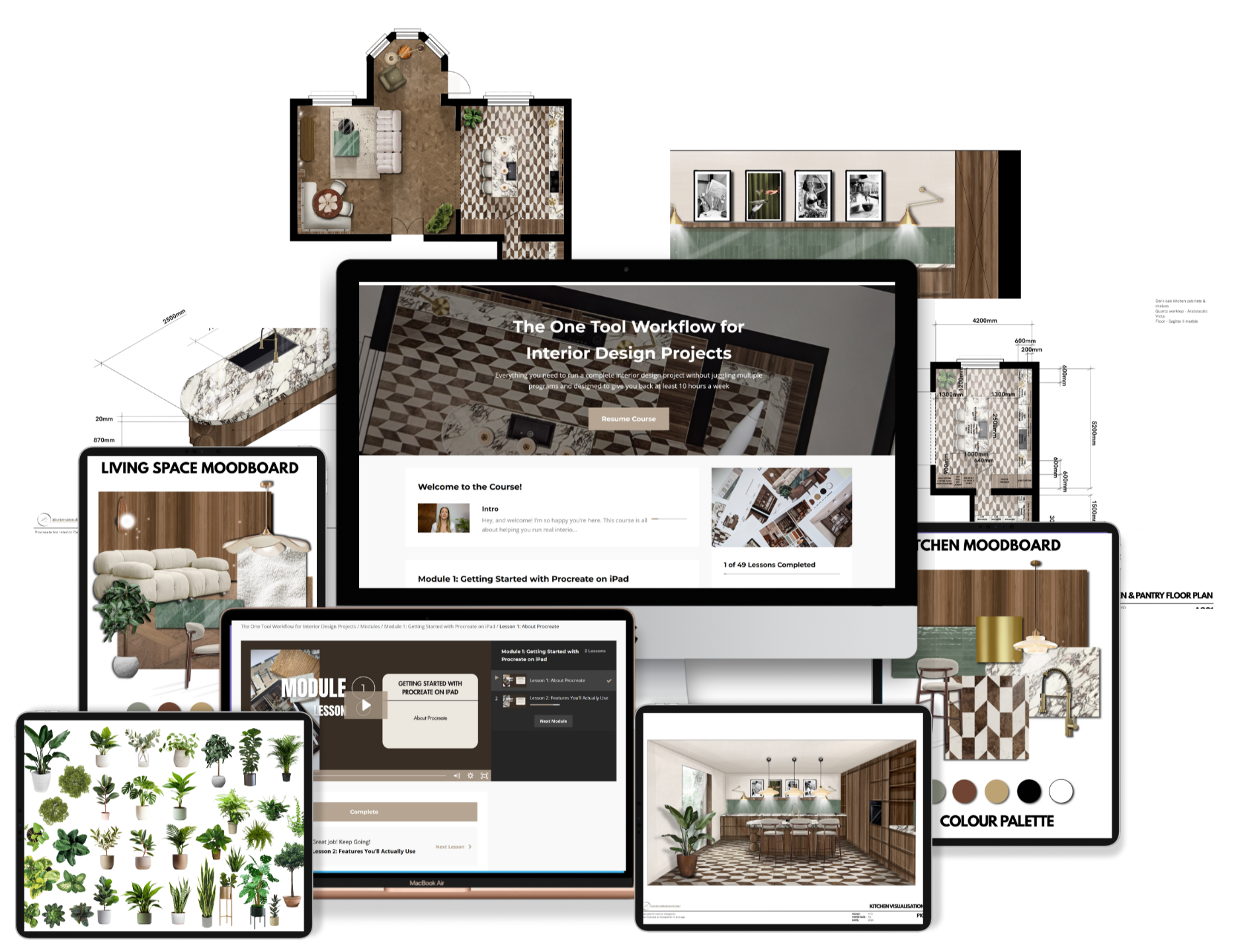
The One Tool Workflow for Interior Design Projects
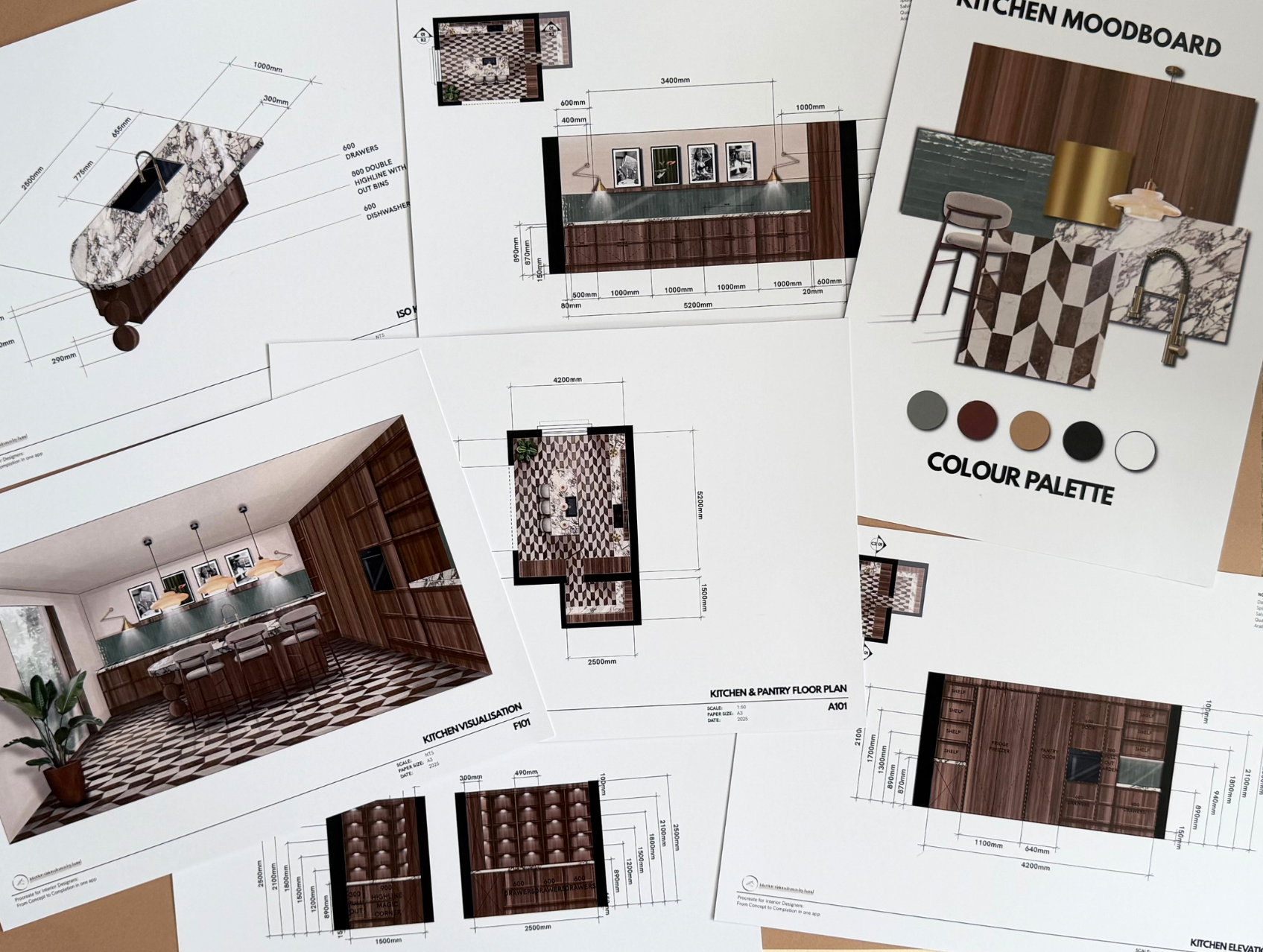
Built specifically for solo interior designers. This online self-paced course removes the need for 3D modelling and rendering, keeping all of your ideas, visuals, and drawings in one place, and lets you make changes instantly even in front of clients.
✔️ It’s easier. You save hours on technical tasks.
✔️ It’s faster. You can move through projects in days, not weeks or months.
✔️ It’s better. You focus on creativity, vision, and storytelling, the part of design you actually love.
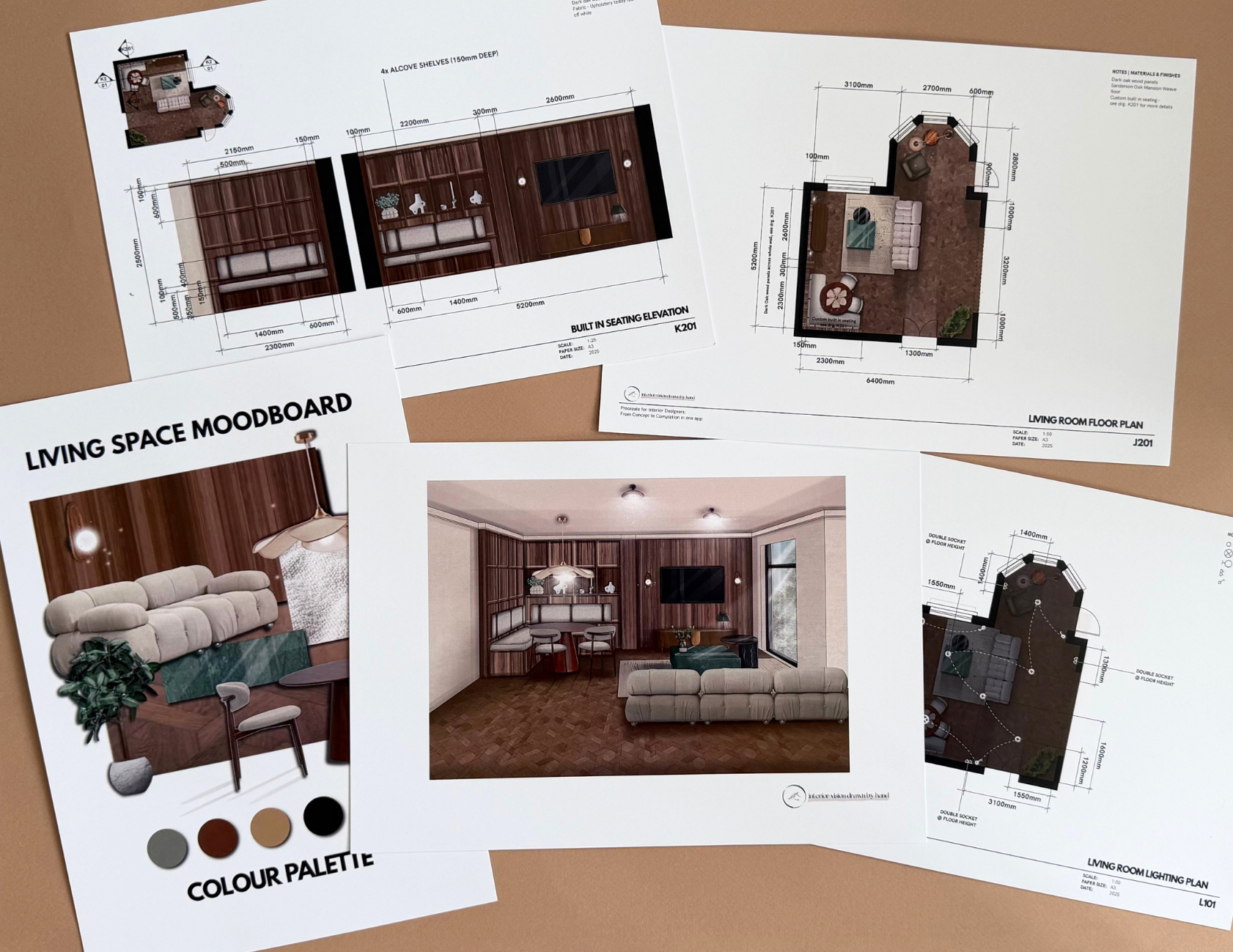
This step-by-step system doesn’t just show you how to create floor plans, mood boards, and presentations in one place. It transforms your entire design process. You’ll stop wasting time switching programs, waiting for renders, or rebuilding designs from scratch. Instead, you’ll spend more time designing, feel fully in control of your projects, and finally enjoy the creative process again.
What’s waiting for you inside…
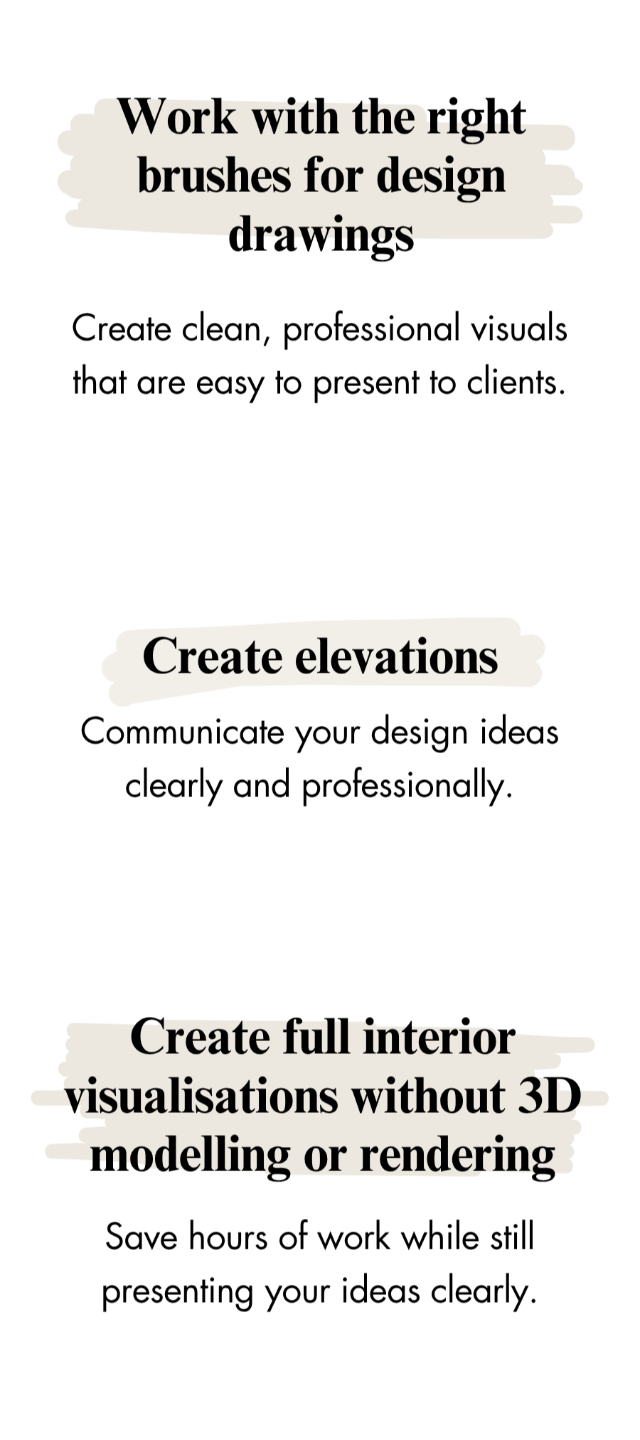
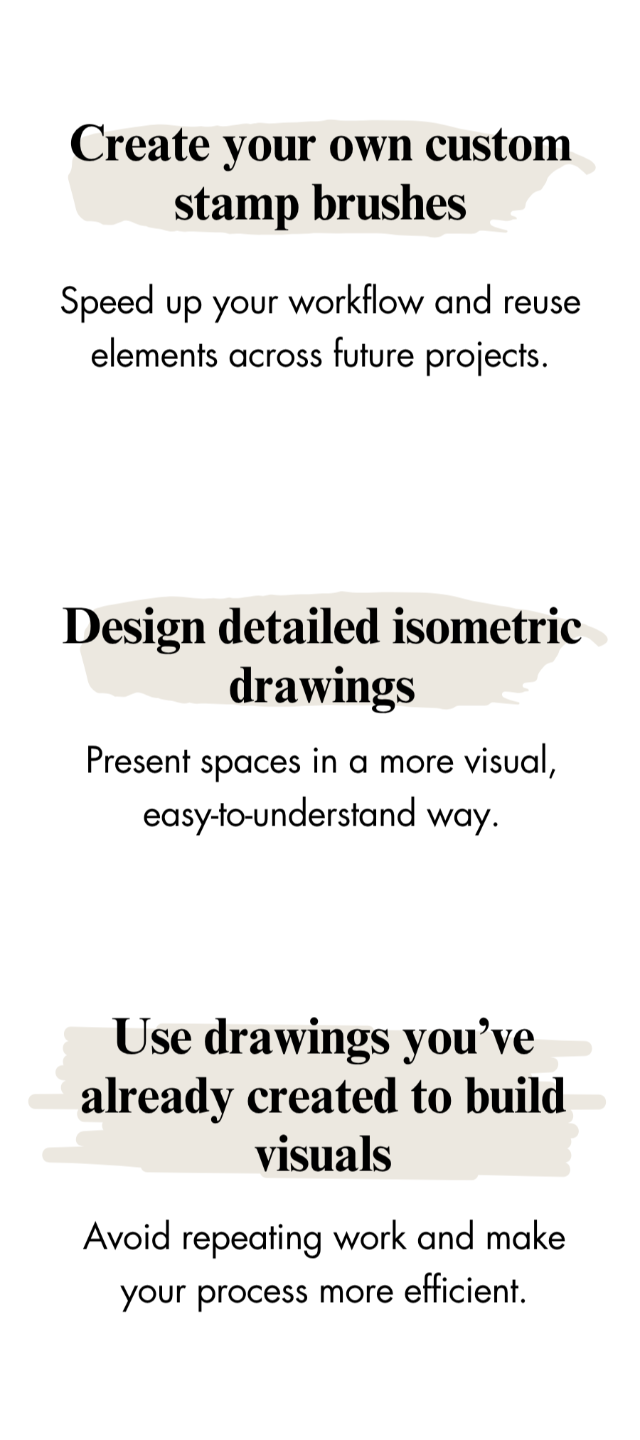
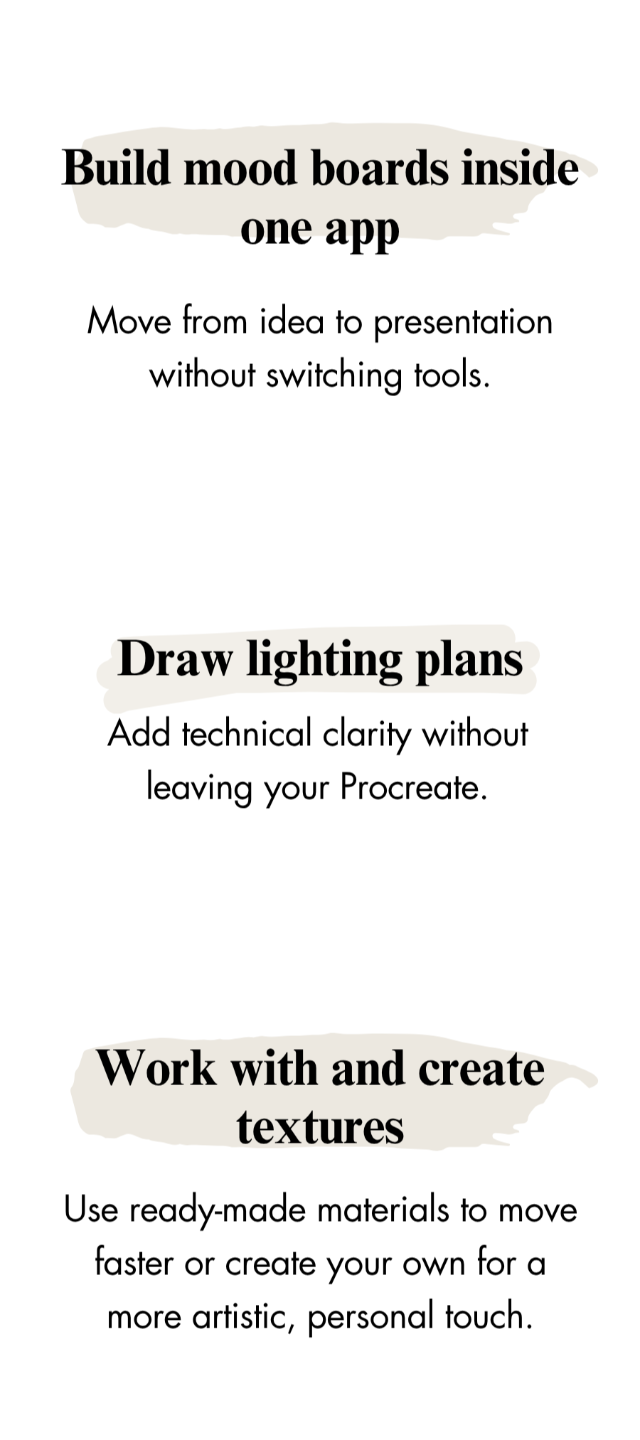
✔ Step-by step modules to walk you through the entire process so it feels easy to implement
✔ 10-30 minute bite sized lessons so you can easily learn at your own pace and fit your learning around your busy life
By the end of this program, things won’t just feel “easier”… they will feel different.
➠ You feel on top of your projects, moving through your work with clarity and still having time for your family and friends.
➠ Your evenings feel lighter, you finish your work knowing it’s done, and finally get the rest and sleep your body needs.
➠ You feel confident in your process, trusting your skills and finally feeling valued for the work you do.
➠ You feel a sense of calm when you open a new project because you feel at ease and you actually have a way of working that makes sense.
➠ You feel calm and in control during client meetings, able to show changes clearly and in the moment, even surprising your clients.
➠ Your business feels stable and fully yours, no longer dependent on complicated software to function.
➠ You feel proud not just of your designs, but of how you work because it finally reflects you as a creative person, not a 3D visualiser.
➠ You create space in your life again (mentally and physically) instead of carrying unfinished projects in your head all the time.
The whole idea is not just about working faster or working more.
It’s about finally feeling like yourself again as a designer.
The One Tool Workflow for Interior Design Projects
Save over $4,162.68 per year!
To complete one interior design project, most designers rely on 3+ different programs:
💰 AutoCAD – $250/month = $3,000/year (for floor plans & tech drawings)
💰 SketchUp – $49.99/month = $599.88/year (for 3D models)
💰 Enscape – $46.90/month = $562.80/year (for renderings)
Total: $4,162.68 per year 😳 …and yes, that's just per year.
And that’s just software. It doesn’t include:
- Hours spent switching between those programs and redoing
- Time spent learning complicated tools and functions that are supposed to make your work quicker.
- Frustration from redo cycles when clients ask for changes
Here’s the smarter way
You only need:
✔️ Procreate – $12.99 (one-time purchase)
✔️ One Tool Workflow for Interior Design Projects - £397 (one-time purchase)
💰 Total: £410 - Pay once for both… and never pay for design software again. I MEAN IT.
But the real value?
This course isn’t just a set of lessons. It’s a complete workflow system that saves you:
✅ Hundreds of hours of boring software juggling
✅ Days spent on rendering or modelling furniture that doesn’t exist
✅ Endless frustration from switching between programs
✅ Lost creative energy
All while giving you the tools to:
✅ Design full interior projects from start to finish
✅ Communicate your ideas clearly to clients
✅ Finish projects faster and more efficiently
✅ Reconnect with the part of design you love
If you keep using multiple programs, you’re paying thousands of dollars every year and wasting hours on work that could take minutes.
With this course, you can start designing better, faster, and more creatively today, saving your time, money, and energy from day one.
Reconnect with the part of design you love.
START SAVING MONEY & TIME NOW
PLUS... FREE bonus tools
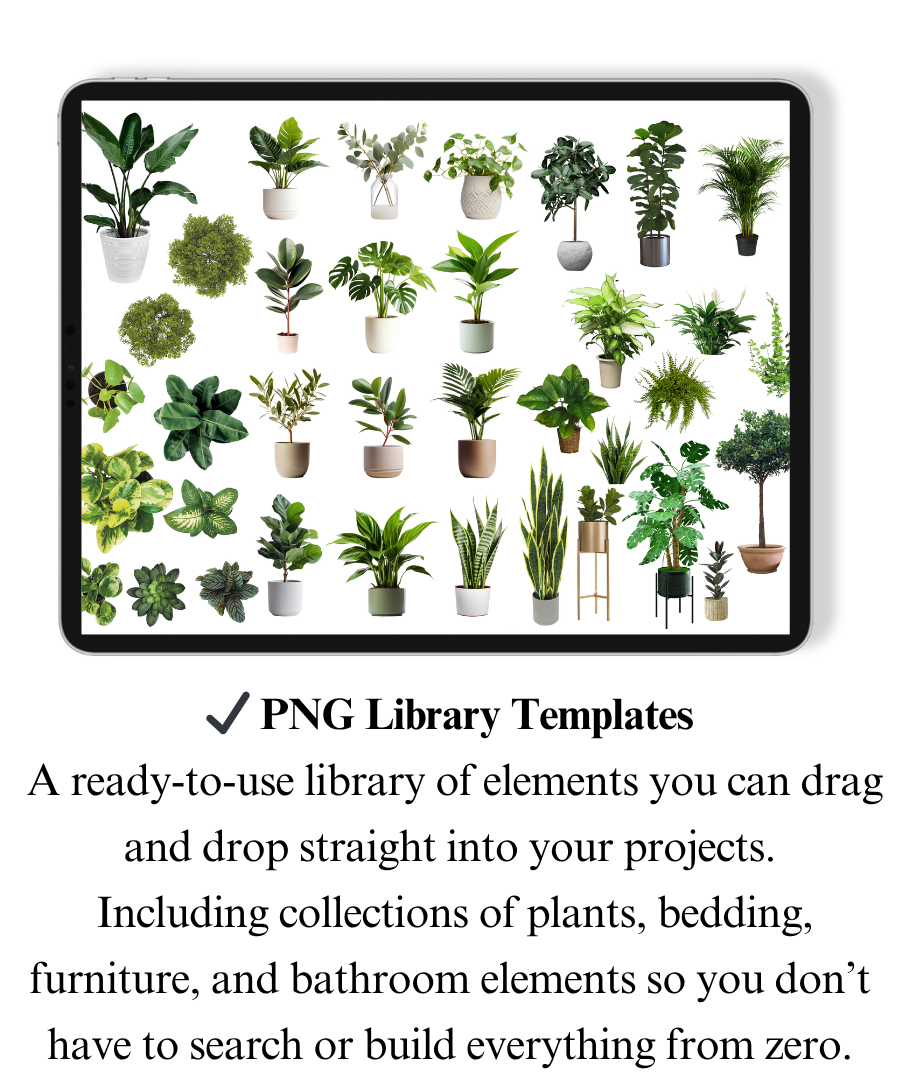
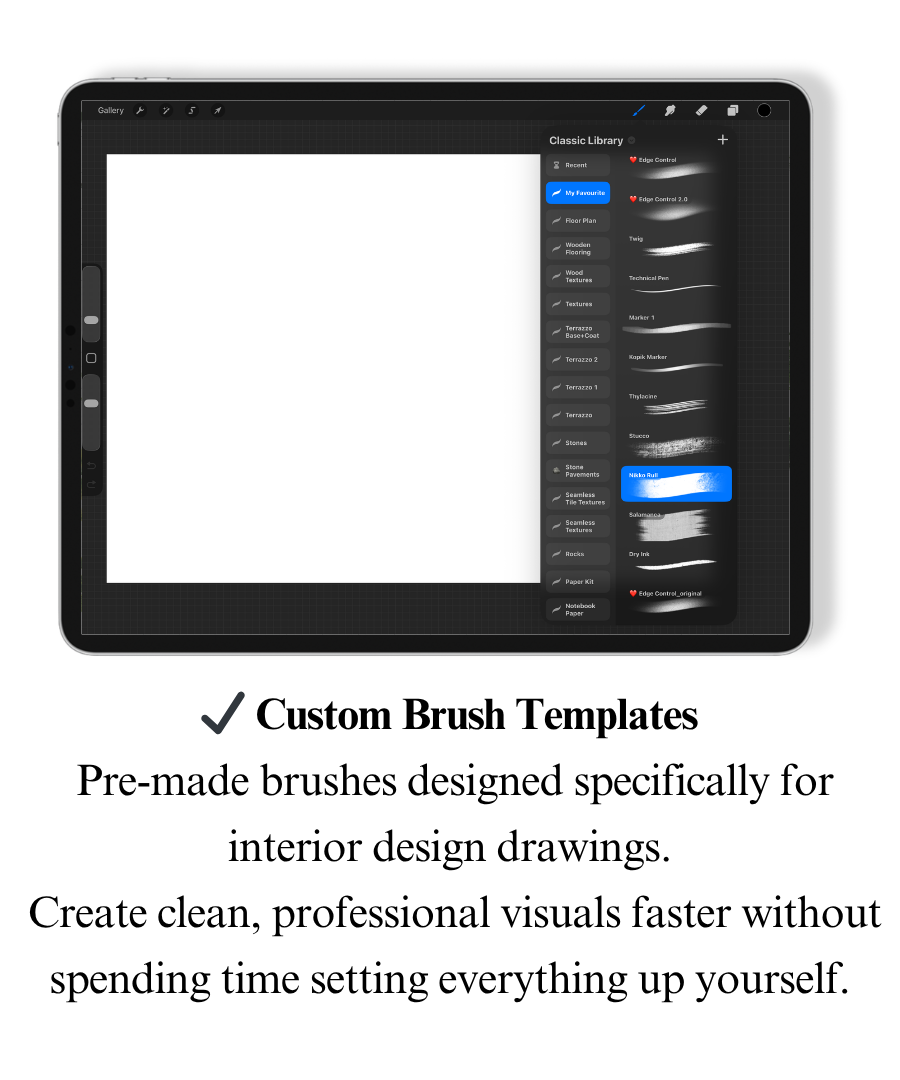
To make your workflow even faster and easier, I’ve included a few tools I personally use in my own projects:
You can keep doing it the same way… or change it now
Nothing changes if nothing changes.
In the next few weeks, you’ll still be working on projects.
Still opening the same programs.
Still going through the same process you already know feels heavy.
Or…
You could spend that time learning a completely different way of working.
A way that feels simpler. Faster. More creative.
A method you’ll actually love using.
In just a few weeks, you could be designing in one place, moving through your projects with more clarity, and finally feeling in control of your workflow.
One of my students completed the entire course in just five weeks, that’s how quickly your workflow can transform.
Remember: the time will pass anyway.
The only question is - will your process still look the same?
I AM READY, ENROLL NOW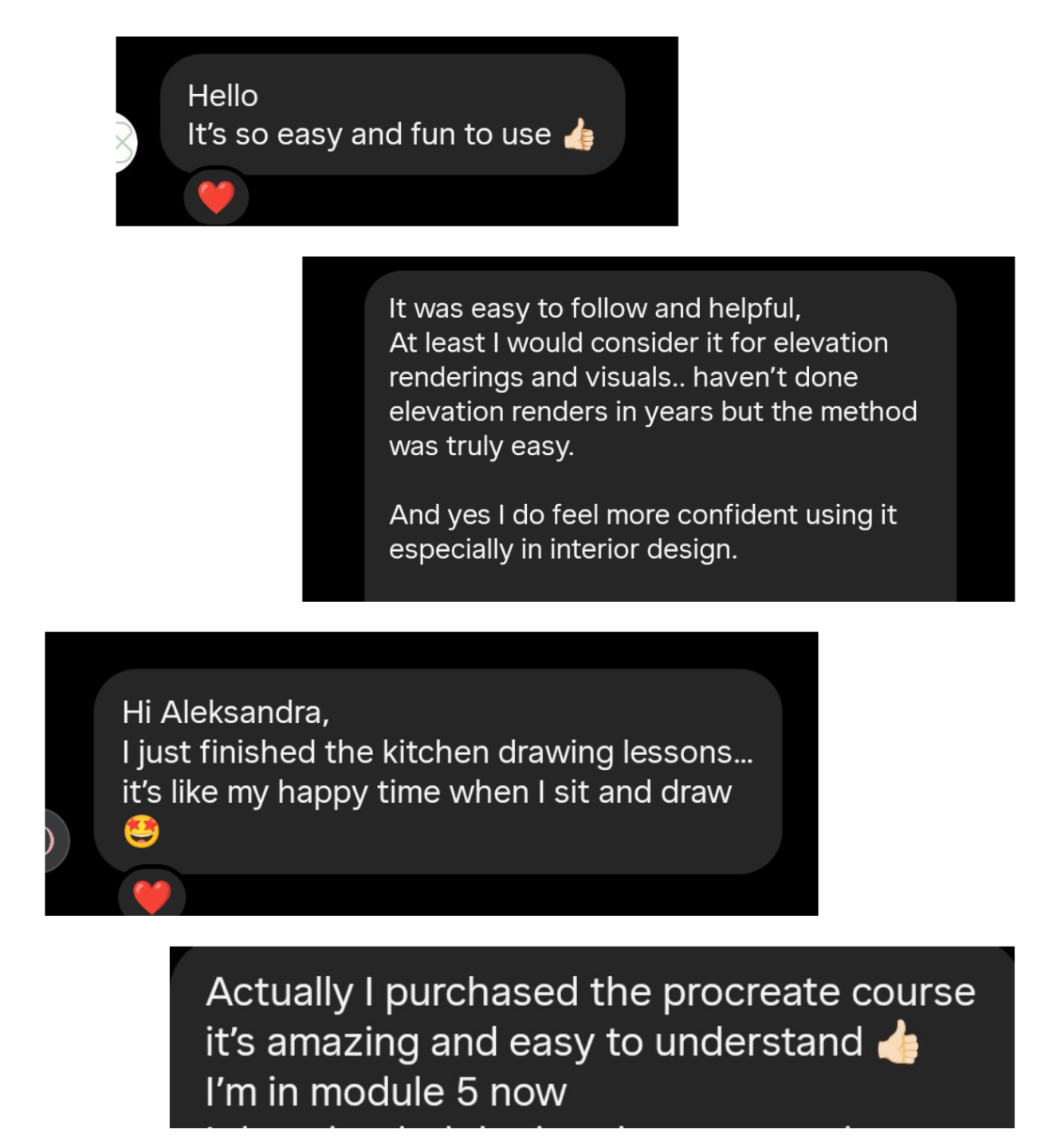
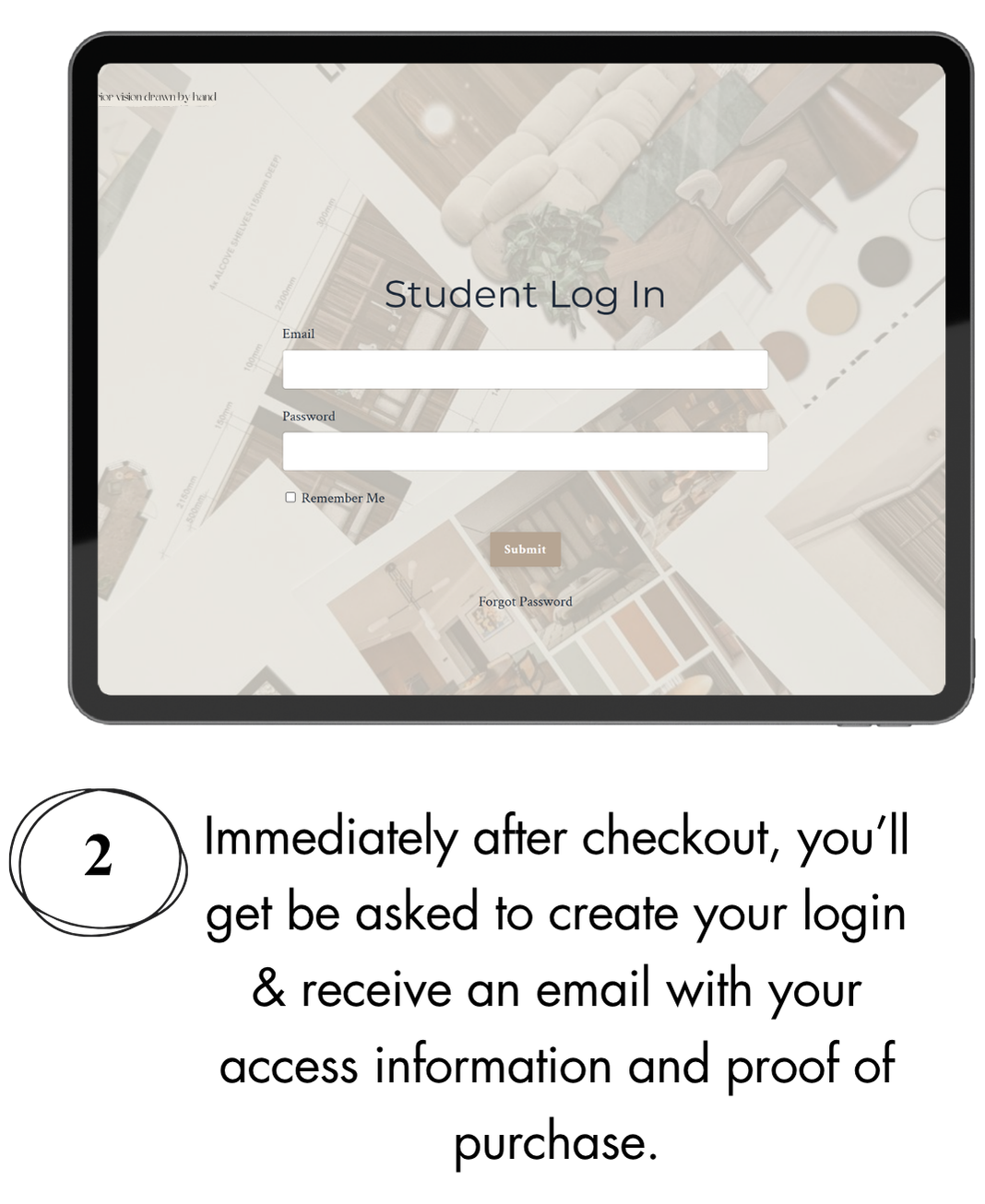
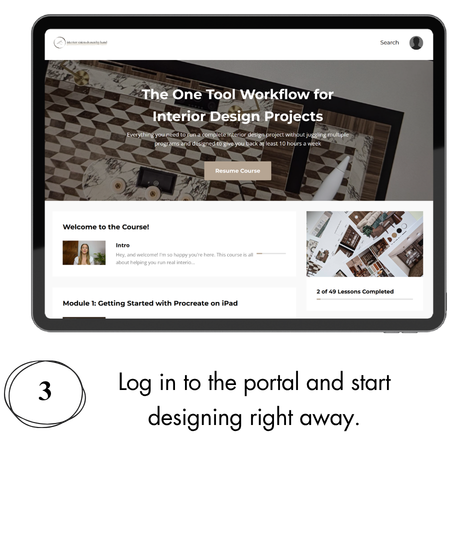
Here’s what happens after you join
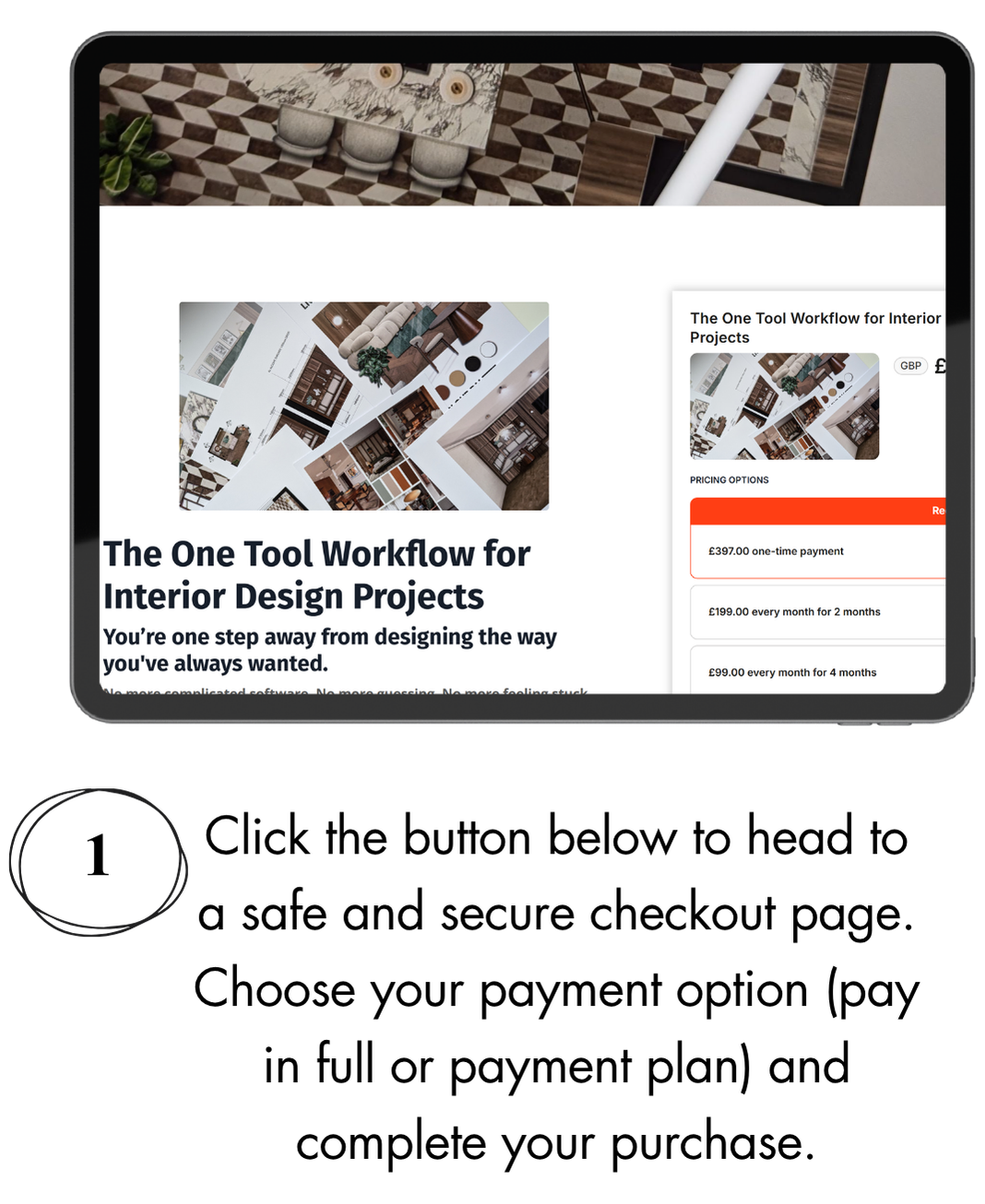
The One Tool Workflow for Interior Design Projects
Design, create, and present full interior projects using just your iPad and one app (without 3D modelling, rendering, or spending thousands on expensive software)
Pay in full
£397
• A complete workflow to run your entire interior design project in Procreate from first ideas to final visuals
• Step-by-step lessons to create:
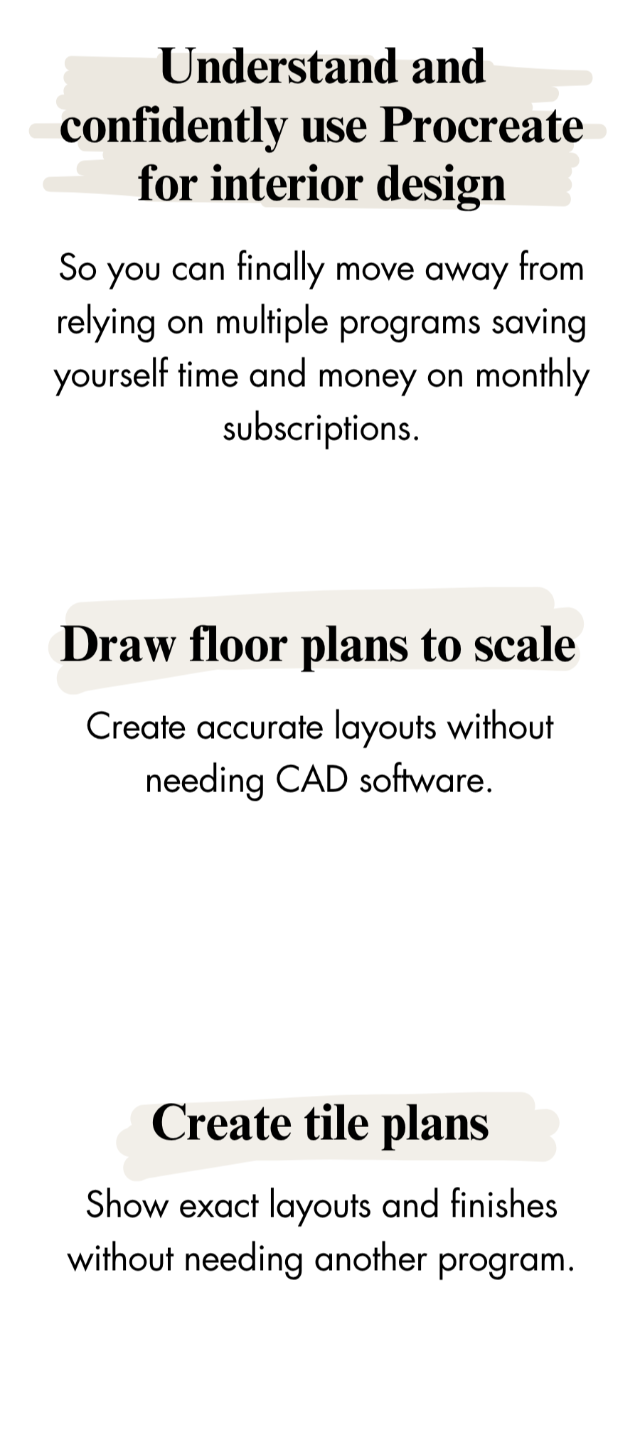
mood boards, floor plans, elevations, lighting plans, tile plans & full visualisations
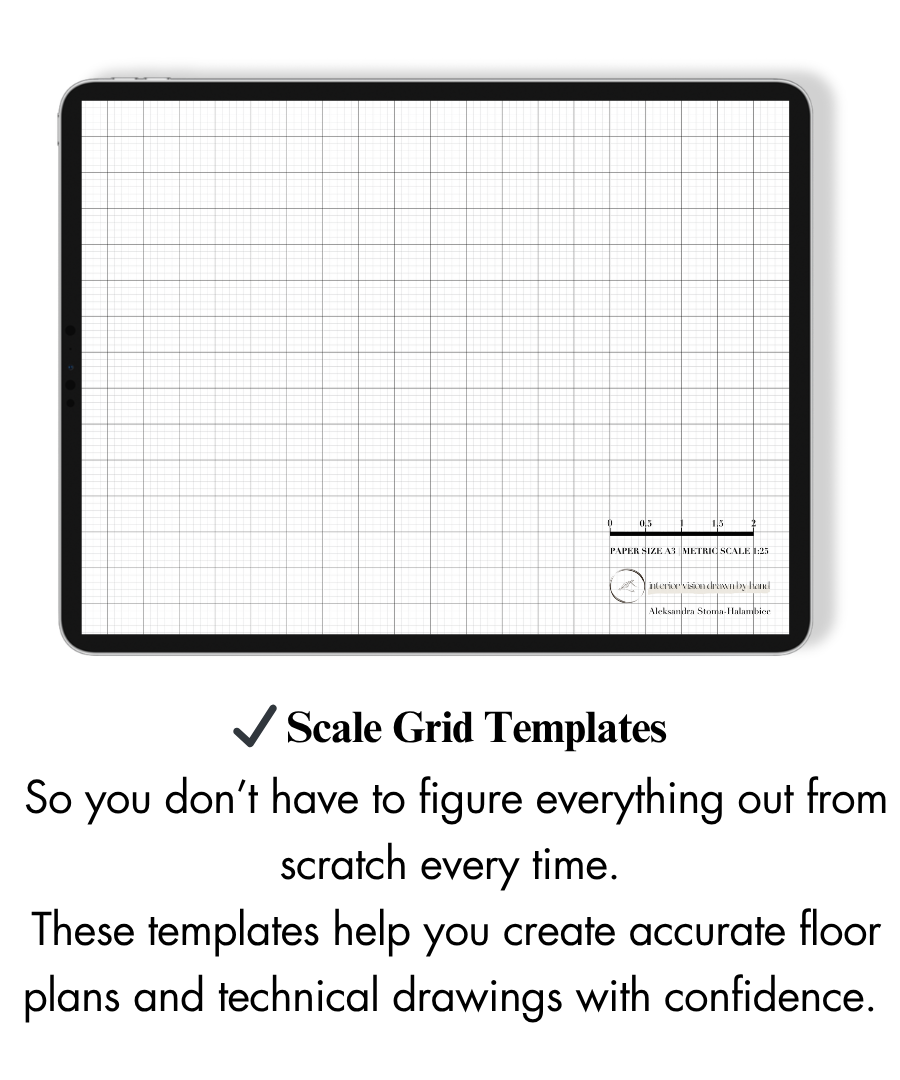
• How to draw to scale without using CAD
• A faster way of working using custom brushes, stamps & reusable elements
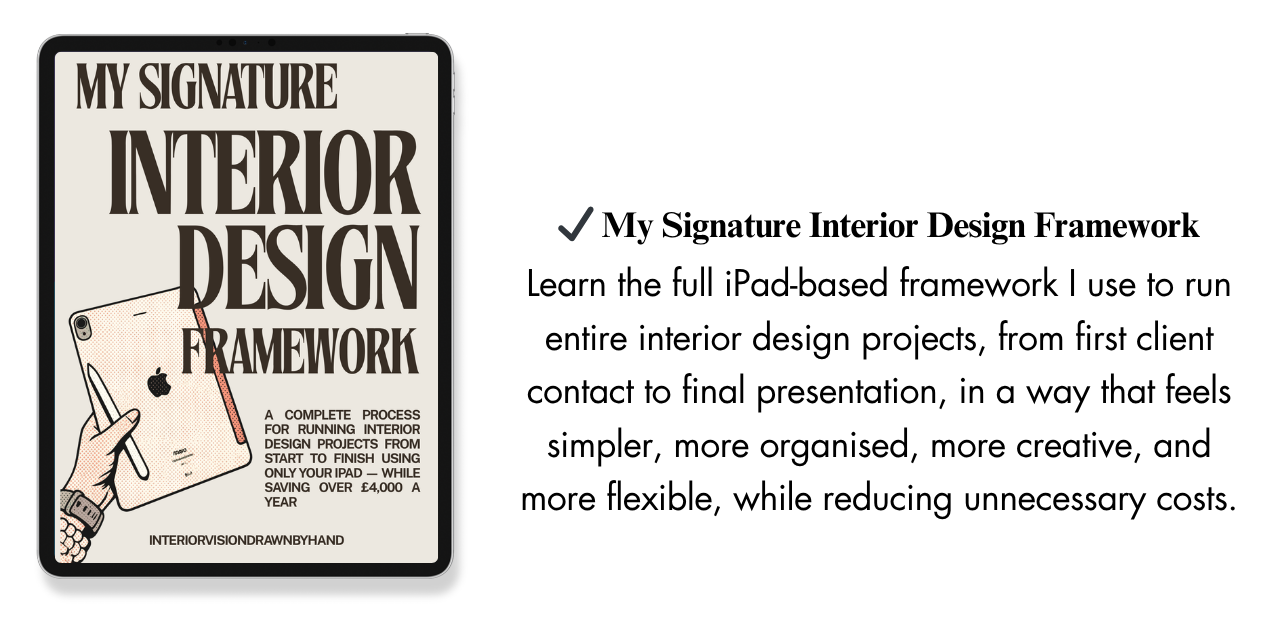
• My signature iPad Interior Design Framework, steal my exact method for running full interior design projects using only an iPad
• Ready-to-use resources:
scale grid templates, PNG library & custom brushes
• Learn how to create visuals without 3D modelling or rendering
• Lifetime access, so you can learn and come back anytime
2 month payment plan
£199
• A complete workflow to run your entire interior design project in Procreate from first ideas to final visuals
• Step-by-step lessons to create:
mood boards, floor plans, elevations, lighting plans, tile plans & full visualisations
• How to draw to scale without using CAD
• A faster way of working using custom brushes, stamps & reusable elements
• My signature iPad Interior Design Framework, steal my exact method for running full interior design projects using only an iPad
• Ready-to-use resources:
scale grid templates, PNG library & custom brushes
• Learn how to create visuals without 3D modelling or rendering
• Lifetime access, so you can learn and come back anytime
4 month payment plan
£99
Most Budget-Friendly
• A complete workflow to run your entire interior design project in Procreate from first ideas to final visuals
• Step-by-step lessons to create:
mood boards, floor plans, elevations, lighting plans, tile plans & full visualisations
• How to draw to scale without using CAD
• A faster way of working using custom brushes, stamps & reusable elements
• My signature iPad Interior Design Framework, steal my exact method for running full interior design projects using only an iPad
• Ready-to-use resources:
scale grid templates, PNG library & custom brushes
• Learn how to create visuals without 3D modelling or rendering
• Lifetime access, so you can learn and come back anytime
This method is so simple. And I mean it.
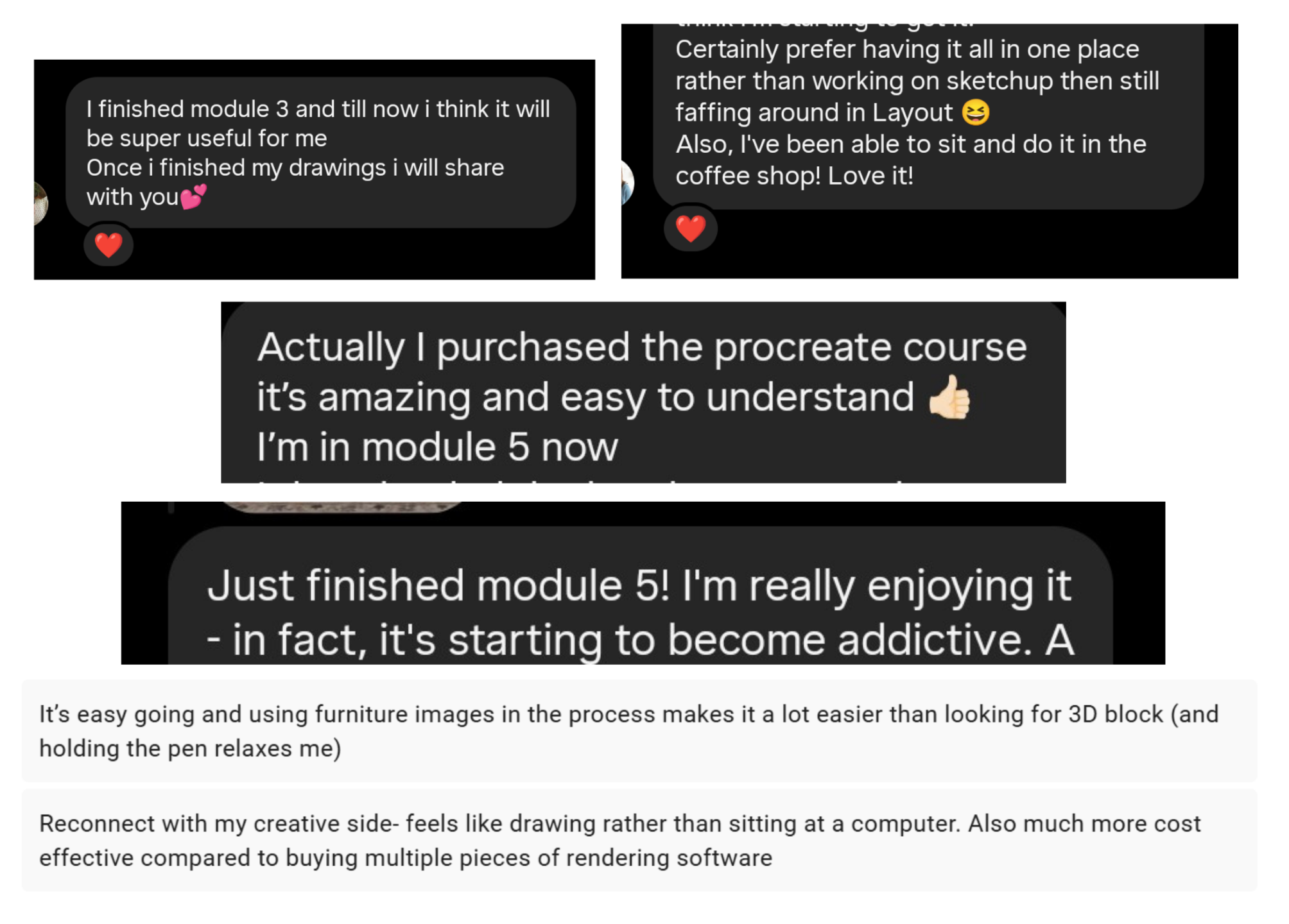
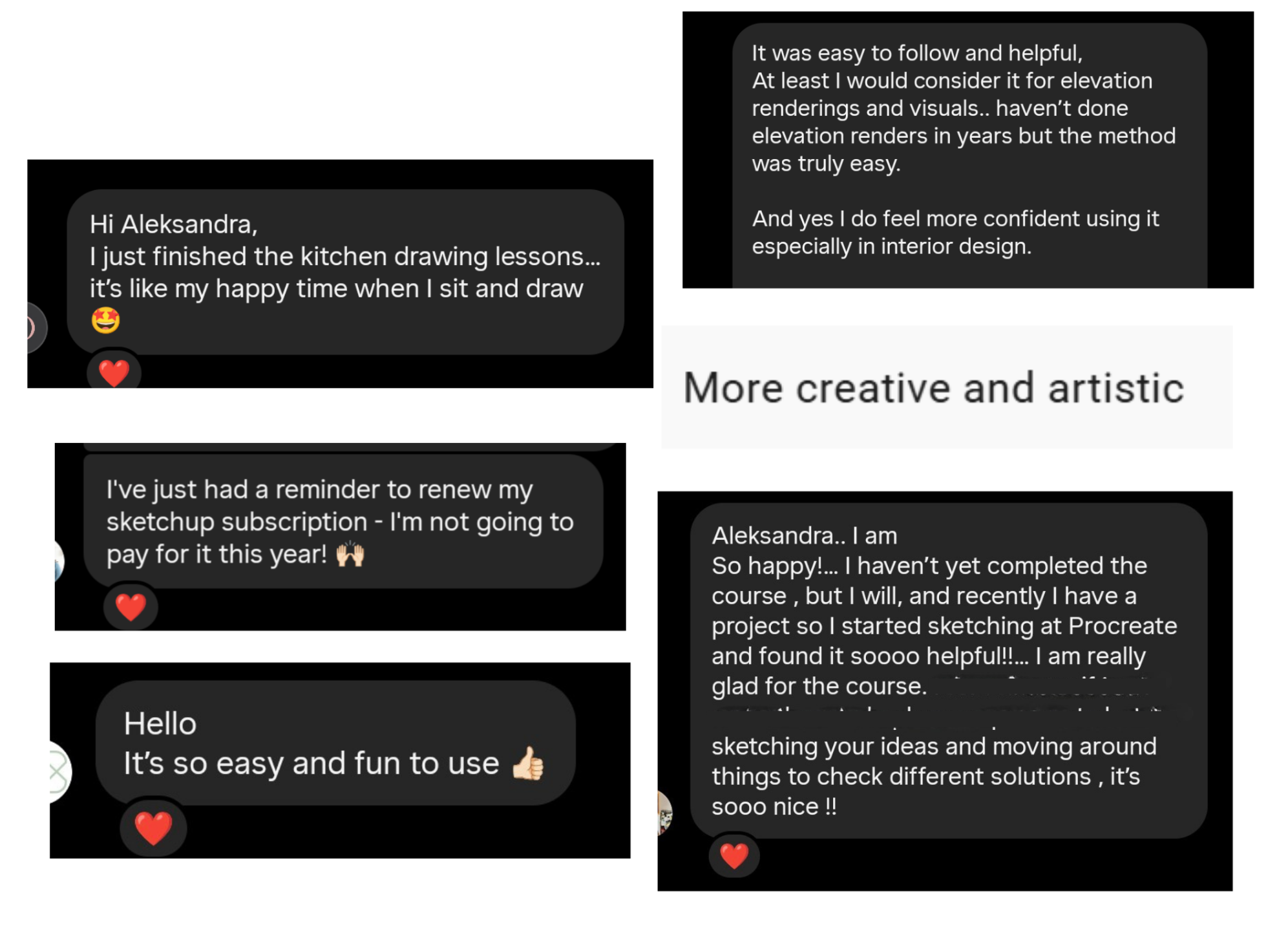
My students are already using it in their projects, falling back in love with the process, and even cancelling their software subscriptions and saving a TON of money because they simply don’t need them anymore.
Everything I’ve told you here is real and here is the proof:
I want this to feel like a good decision
You’ll get a 7 Day Money Back Guarantee of the course to try this method yourself.
Open your iPad, go through the first modules, test it on your own project and just see how it feels to work this way.
And if after that you feel like it’s not for you, just send me a message within those 7 days and I’ll refund you.
I just want you to feel good about this decision, not stuck.