
You're jumping between three or four programs just to finish one project...
You're spending Sunday evenings on rendering settings instead of doing the work you actually love...
You're paying hundreds a year in subscriptions and still feeling like the process is harder than it needs to be...
Or maybe you've even heard about designers working on an iPad and thought:
"That sounds too simple to be real."
Few years ago, I thought the exact same thing...
With over a decade in interior design, I've done things the hard way.
Homes, retail spaces, beauty salons, I've worked on them all. And for years, I worked the way most designers do: AutoCAD, SketchUp, V-Ray, Photoshop. Multiple programs, complicated workflows, expensive subscriptions.
I loved this career. But slowly, the joy of creating started to fade under the weight of it all.
Then I discovered a completely different way of working. One app. One device. A process so simple it felt like cheating… and results that impressed my clients more than ever.
That's what this free guide is about.
And because reading about a new way of working is one thing, actually trying it is another, I've included a free 20-minute tutorial too. It walks you through creating a real visualisation from a photo, right inside Procreate, so you can feel how it works for yourself instead of just taking my word for it.
I want to try this myself now!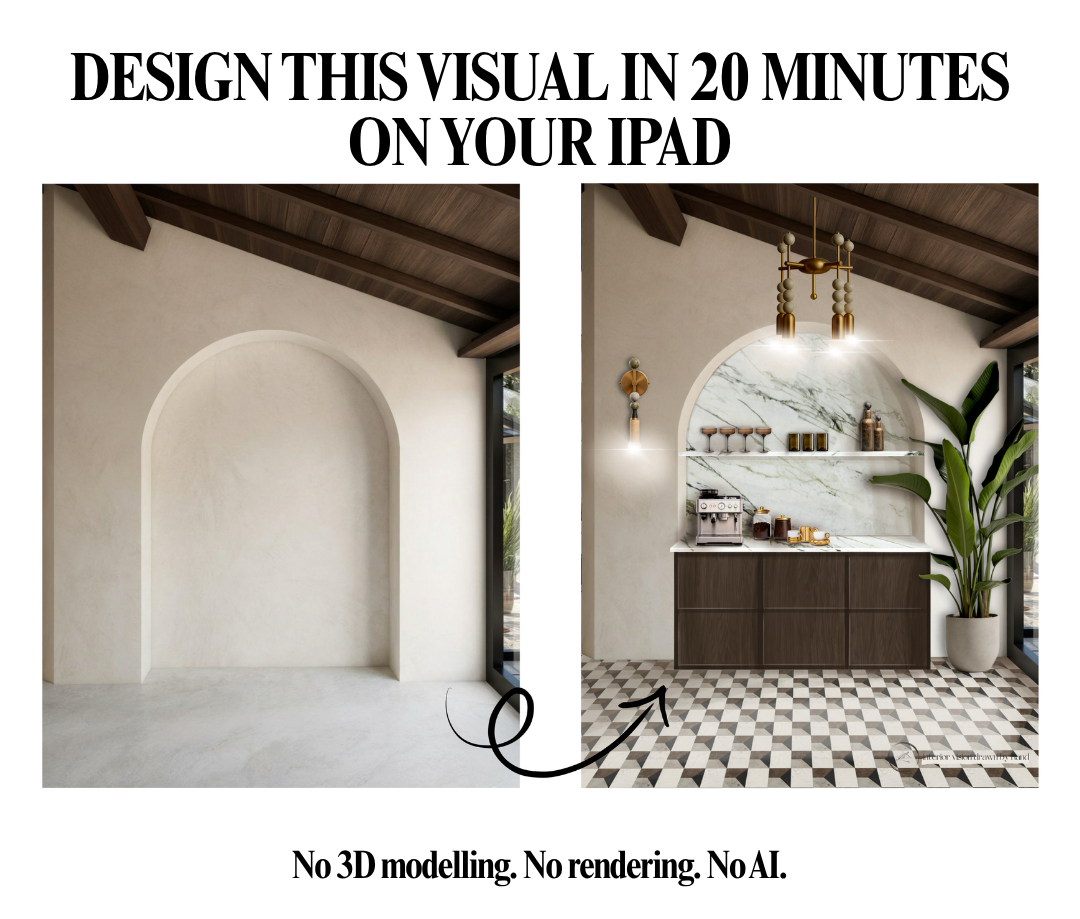
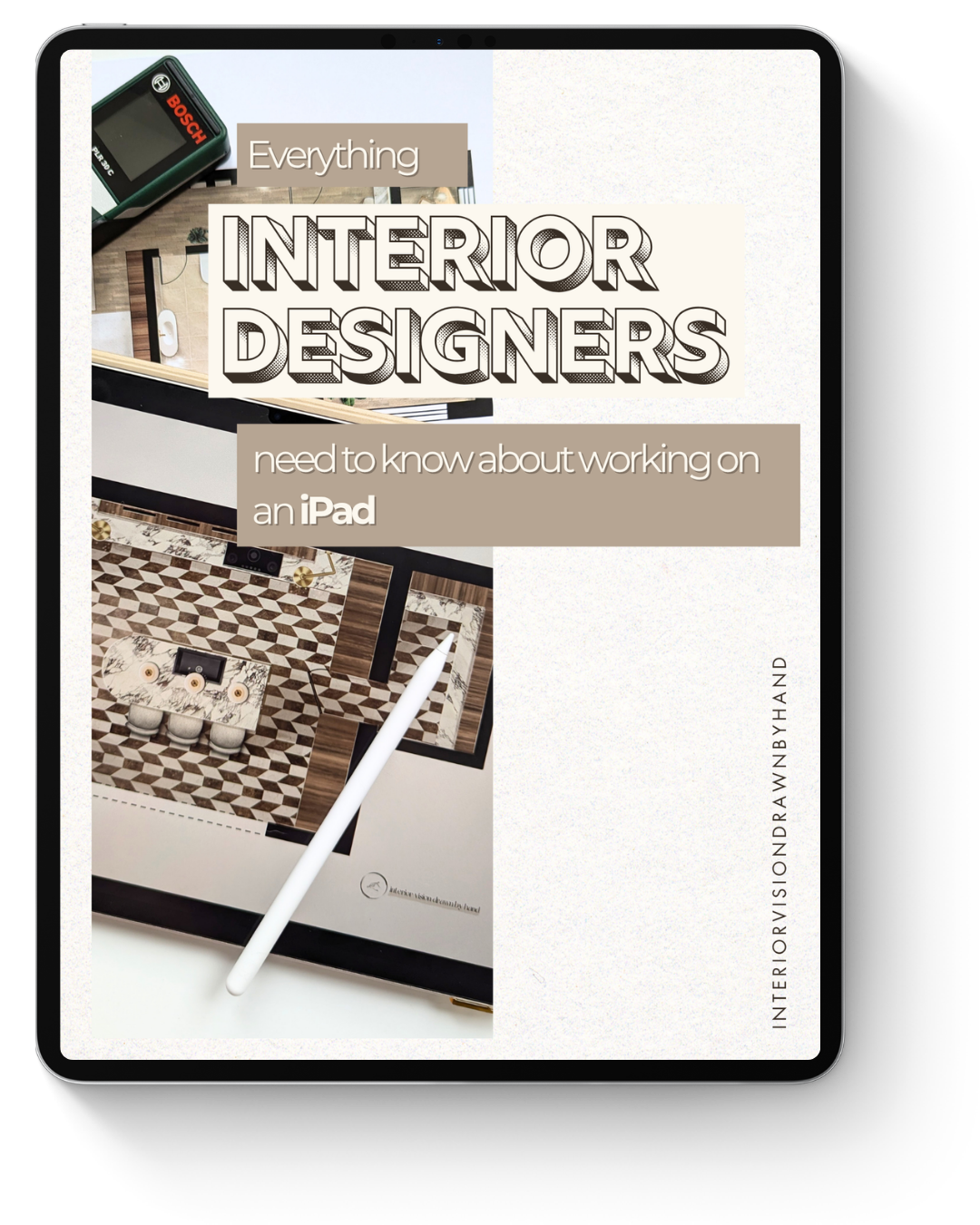
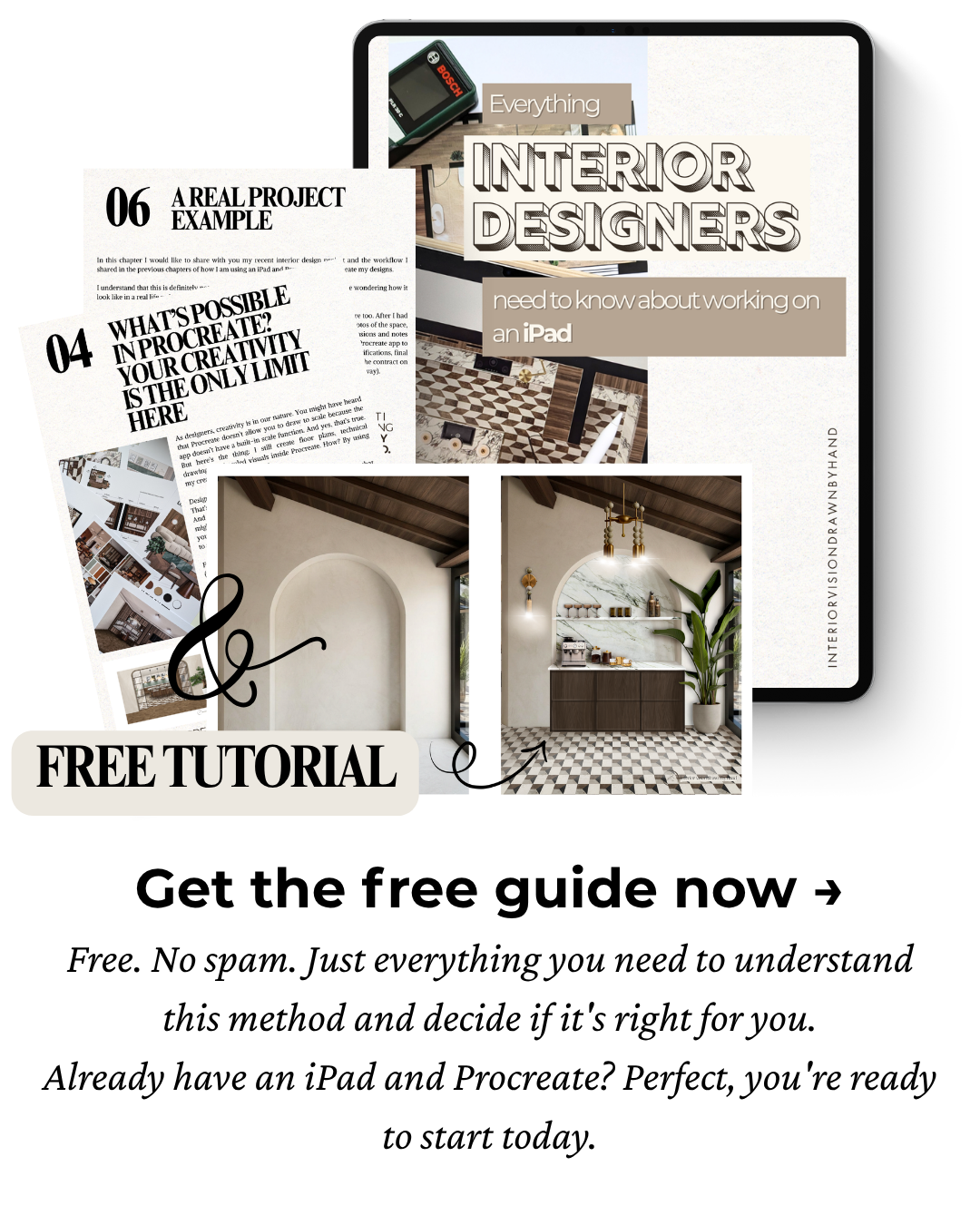
Inside this free guide (+ tutorial), you'll discover:
→ How I use my iPad as my entire interior design studio from the first client meeting all the way to the final presentation
→ What's actually possible in Procreate for real client work: floor plans, mood boards, visuals, elevations and technical drawings
→ Which iPad and Apple Pencil to choose and what actually matters for design work
→ How this workflow compares to traditional programs in time, cost and creative freedom
→ How to draw to scale on an iPad, yes, it's absolutely possible
→ How this method can save you thousands in subscriptions and hours every single week
→ A free 20-minute tutorial where you'll create your first visualisation from a photo, so you can try the method yourself, not just read about it
This is for you if…
You're an interior designer who feels stretched thin by complicated software.
You're tired of spending more time on technical processes than on actual design.
You've been curious about working on an iPad but weren't sure if it was "professional enough."
You want a process that feels flexible, creative and aligned with the way you actually think.
That's me, I want to know more!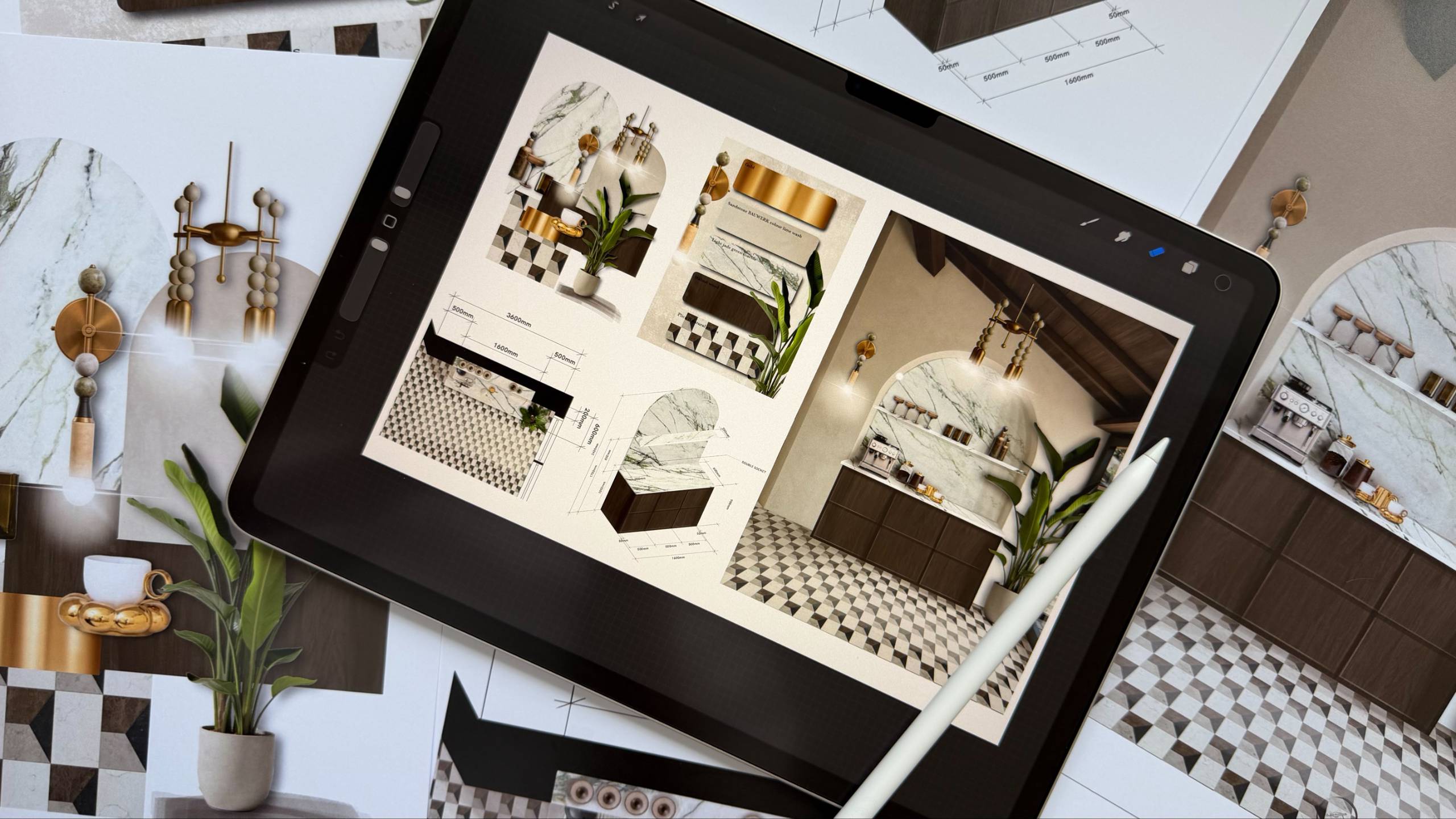
Just to let you know this isn't a tech guide.
It's a simple introduction to a completely different way of designing.
One that brings back your spark of creativity. One that gives you the freedom to design on your own terms: from a café, from a client's living room, from wherever you do your best thinking. One that makes the whole process feel the way it was supposed to feel from the very beginning.
Light. Simple. Creative.
Everything You need to know about working on an iPad
I won't send spam. Unsubscribe at any time.